Why Kits Fail
Every competitor in this space is selling you a kit and calling it a complete solution. They've got the 3D renderings, the bundle pricing, the Father's Day sale. What they don't have is anyone who's actually installed one — in your room, with your ceiling height, your projector throw distance, your swing clearance requirements.
We've done this long enough to see the pattern: someone buys a bundle online, gets excited, unboxes everything, and somewhere between mounting the projector and calibrating the launch monitor, reality sets in. The screen doesn't fill right. The throw ratio's off. The projector ceiling mount isn't included. The launch monitor software requires an upgrade to connect to GSPro that nobody mentioned at checkout. And there's no one to call.
This article isn't anti-DIY. We love a well-executed DIY build — we even built a service around helping people do it right. But it is a reality check before you spend $15,000–$25,000 on something you'll live with for years.
Buy on price, you'll buy it twice. It's a cliche in this industry because it's true. We've upgraded more than a few setups where every component was wrong for the space it was installed in — and the original seller was nowhere to be found.
Three Assumptions That Will Cost You
Before you hit buy, here are the three things most kit buyers assume that simply aren't true.
-
01
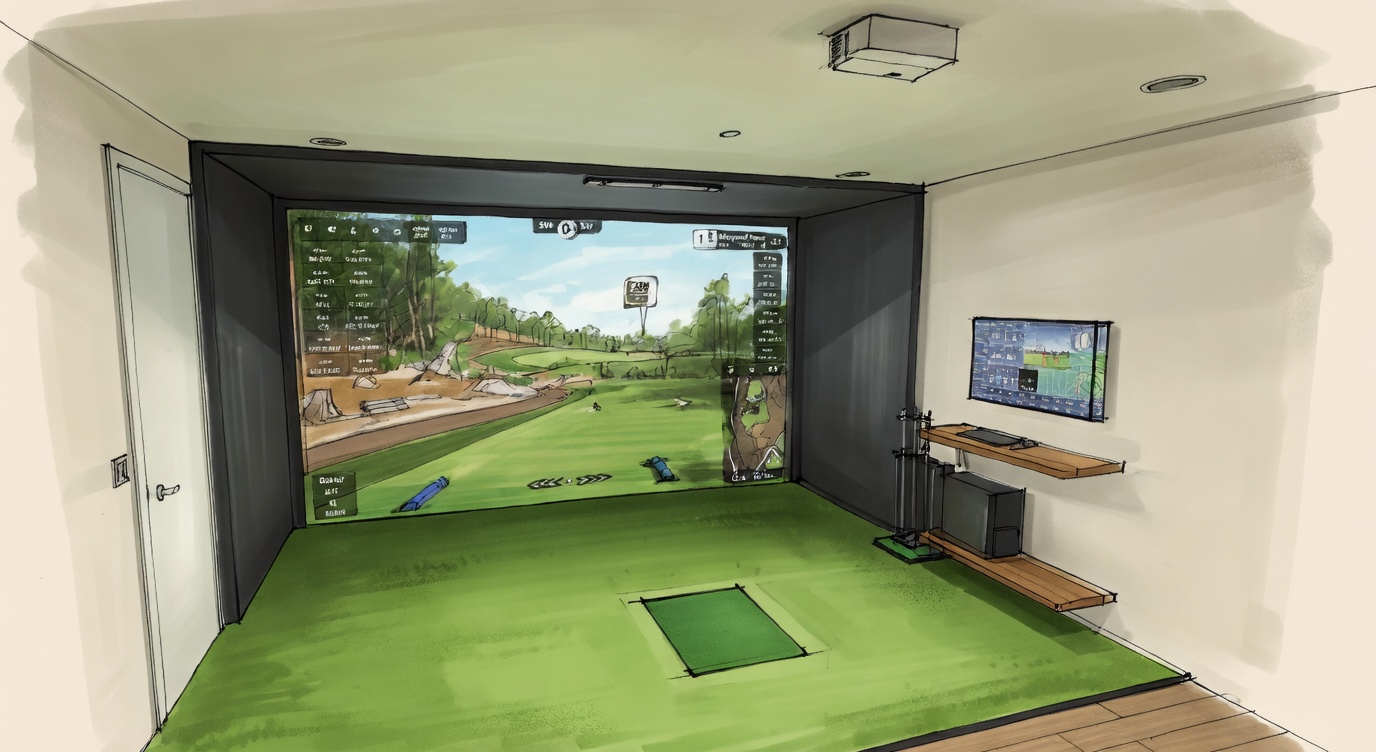
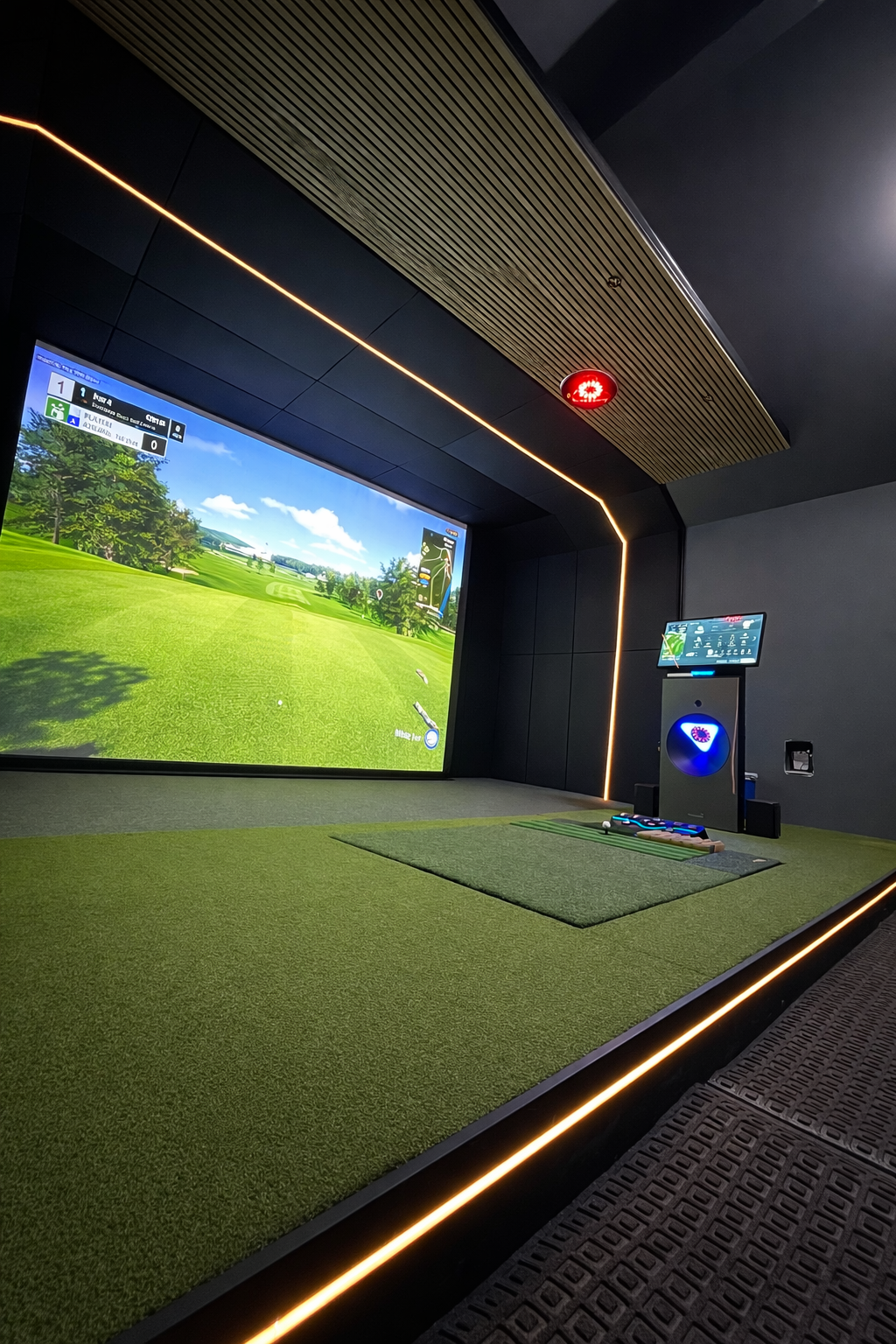
The kit will look exactly like the website rendering in my home. Those 3D renders are built in a perfect room with ideal ceiling height, perfect throw distance, and a professionally tuned projector. Your garage, basement, or bonus room is none of those things. The actual result depends entirely on your specific dimensions — and nobody selling you a bundle asked about them.
-
02
This kit was designed for my space specifically. It wasn't. It was designed for an average room with average specs. If your ceiling is 10'6", your room is 13' wide, or you're a left-handed golfer in a narrower bay, the default bundle may not physically work. Enclosure sizing, projector throw, and swing clearance all change with every room — and e-commerce vendors don't ask.
-
03
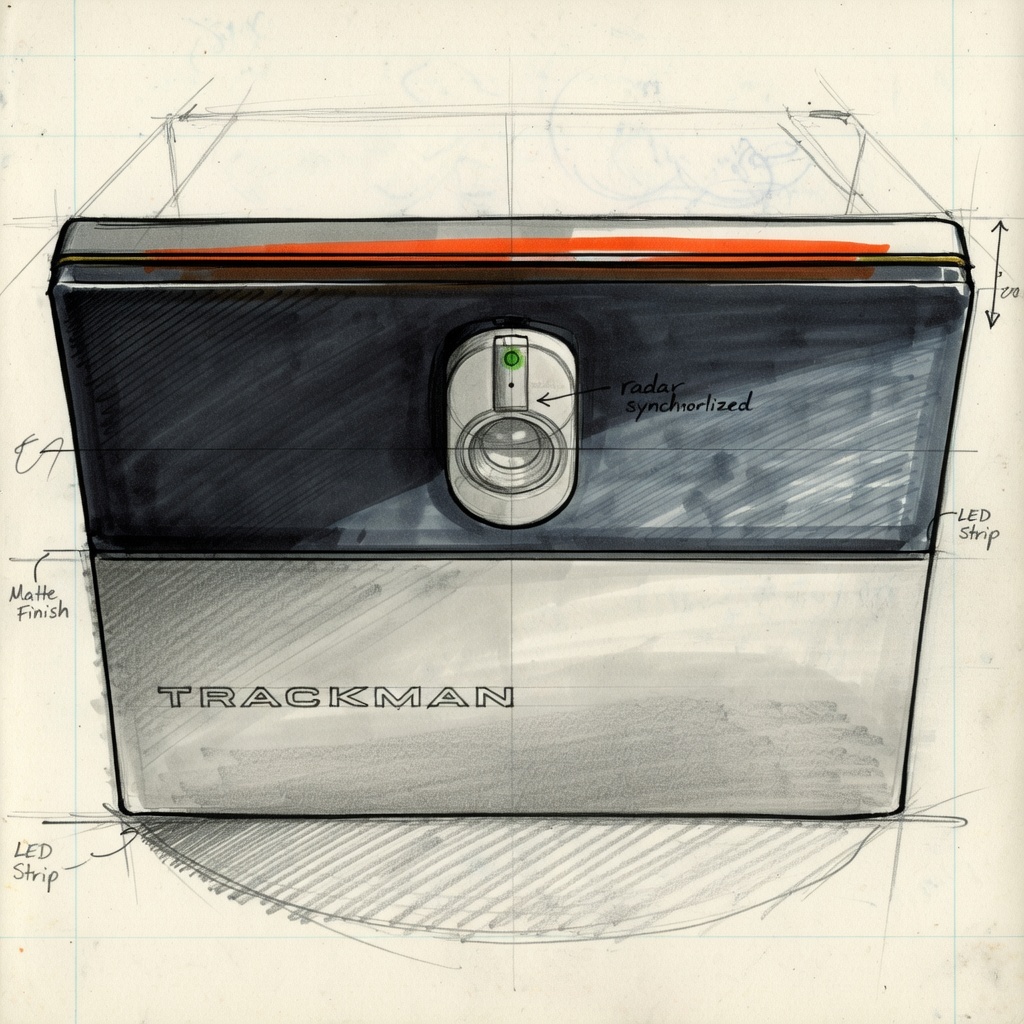
The discounted price reflects a real deal, not a compromised component. A "4K projector" in a bundle could be a $1,200 lamp projector with an 18-month bulb life and no geometric correction. A "launch monitor" could be a camera-based unit with misread rates that make it nearly unusable for putting or chipping. Vague specs on a quote — no model number, no lumen rating — are a red flag worth taking seriously.
What's Actually Missing From Most Bundles
The big five are usually there: hitting mat, launch monitor, projector, computer, and enclosure with screen. What's not in the box are the thirty other things you need to actually get that equipment installed and running in a real room.
None of this is exotic hardware. But every item on that list requires a measurement, a decision, and often a second Amazon order that arrives a week after your sim does. And beyond inconvenience — improperly mounted equipment is a genuine safety hazard. A projector anchored to drywall instead of a ceiling joist is a liability. An enclosure frame that's not secured can shift. If you'll have kids hitting on this or friends over on a Friday night, installation quality isn't optional.
Your Room Is the Variable Nobody Accounts For
Room sizing isn't just about whether your enclosure fits. It dictates every component decision in your build.
Projector throw ratio is the most common failure point we see. Short-throw projectors have a fixed throw ratio — the ratio of projection distance to screen width. If your projector is mounted 6 feet from a 12-foot wide screen, and the throw ratio requires 8 feet, you're getting black bars on the top and bottom of your image. The cheap fix — keystone correction — degrades image quality. The right fix is geometric correction, which cheaper projectors don't have.
Swing clearance is the one that actually hurts people. You need a minimum of 5 feet of side clearance for a right-handed player. Left-handed players need that on the other side. If both hands are playing, you're looking at a 14-foot minimum bay width — and most standard enclosures are sold for 10-foot wide rooms.
Ceiling height affects everything from enclosure selection to projector mount length to whether you can take a full driver swing without catching the top of the frame on your backswing. Our minimum recommendation is 10 feet of clear height. Nine feet is survivable with shorter players. Anything under that and you're limiting your game before you even buy the sim.
A real-world example: We were called in to evaluate a build where a customer had bought a full bundle and installed it themselves. The projector throw was off — image filled about 60% of the screen. The projector didn't support geometric correction. Their only option was to go into the graphics card and create a custom resolution profile — something most people wouldn't know to do. They were frustrated, the sim sat unused for three weeks while they figured it out.
Software Is Half the Experience — And Kits Underdeliver
The hardware is what people buy. The software is what people play. And most bundles either include the baseline simulation software that ships with the launch monitor or leave the software question entirely to you.
Here's what that means in practice:
- Course quality varies enormously. Some entry-level software platforms look like they were built in 2015 — low-res textures, unrealistic ball flight physics, limited course selection. If you're spending $15,000+ on a sim, you deserve software that matches.
- GSPro costs extra. The most popular simulation platform for serious players isn't included in most bundles. You'll need a $250+/year subscription — and some launch monitors require an additional software license tier just to connect to it.
- Compatibility isn't guaranteed. Budget launch monitors and third-party software don't always play nicely. If you want to put on GSPro with a discounted launch monitor, plan to spend time in forums figuring out why it keeps disconnecting.
- Putting and chipping accuracy varies. Cheaper photometric monitors struggle with short-game reads. If practicing your wedge game is part of why you're building a sim, this matters.
The software stack — simulation platform, launch monitor firmware, PC specs, and display calibration — is a system. Buying components from different vendors who've never tested them together is a gamble.
The Support That Disappears
Here's the part nobody puts in their marketing: e-commerce vendors have no incentive to support you after the sale.
You're buying one golf simulator, maybe in your entire life. Once your credit card clears, you're not a revenue source anymore. You're a closed ticket. When your projector isn't calibrating correctly, or your launch monitor keeps dropping the Bluetooth connection, or your image doesn't fill the screen — you're going to be on hold with a manufacturer support line, deep in Reddit threads, or posting in the Home Golf Simulator Facebook group hoping someone with the same setup can walk you through it.
We've had three customers in a recent stretch come to us specifically because their kit install went sideways and the vendor's "support" amounted to PDF manuals written in translated technical Chinese. The manuals tell you how to power the device on. They don't tell you how to calibrate a short-throw projector for geometric correction in a 14-foot ceiling drop scenario.
That knowledge doesn't live in a manual. It lives in people who've done hundreds of these.
What a Kit Actually Costs When Things Go Wrong
Here's the math nobody runs before they buy. A $14,000 bundle sounds like a deal — until you add up what's missing and what gets replaced.
| Line Item | Why It Happens | Typical Cost |
|---|---|---|
| Bundle price | The advertised number | $14,000 |
| Projector mount + drop extension | Not included, custom to your ceiling height | $150–$400 |
| Cables, raceways, hardware | Right lengths for your specific layout | $200–$500 |
| GSPro subscription | Not bundled, required for most serious play | $250/yr |
| Projector replacement (wrong throw ratio) | Discovered after delivery | $900–$1,800 |
| Install labor (when DIY goes sideways) | Calling someone in to fix calibration issues | $500–$1,500 |
| Realistic total | $16,000–$18,500 |
That's not a worst-case scenario. That's a pretty average one based on builds we've been called in to evaluate. The projector being wrong for the room is the most common single failure — and it's entirely preventable with a 30-minute consultation before anything ships.
When a Kit Actually Makes Sense
This isn't anti-kit propaganda. There are real situations where buying a bundle and figuring it out yourself is the right call.
Kit might work for you if...
- You're genuinely handy — comfortable with power tools, a level, and running structured cables
- You've worked with a GC or have construction experience
- Your room dimensions are straightforward — standard ceiling height, good width, no weird angles
- You're willing to spend 5+ days on the install, not one weekend
- You've researched every component and understand the specs before buying
- You're comfortable troubleshooting with forums and manufacturer support
Kit will probably cost you more if...
- You've never mounted anything structural from a ceiling
- You expect it to be plug-and-play — it won't be
- Your room has unusual dimensions, low ceilings, or non-standard walls
- You're buying primarily on price without knowing what you're getting
- You want it to look finished, not like a garage project
- You don't have time to spend a week troubleshooting calibration
The honest time investment for a solo DIY kit install — with no prior simulator experience — is five to seven full days. Our team of experienced installers takes two full days for a professional residential build. That context matters when you're deciding how to spend your weekends.
What DIY+ Actually Looks Like
We built the DIY+ program for the gap between "buy it yourself and figure it out" and "hire us for a full install." Here's what that actually means:
- Pre-purchase consultation. We look at your room before you spend a dollar. Ceiling height, room dimensions, ambient light, power access — all of it gets assessed before component selection, not after delivery.
- Brand-agnostic sourcing. We don't have shelves of inventory to move. We're not going to recommend a projector because we ordered too many of them. We source what's right for your specific room and use case.
- Procurement + install guidance. We help you buy the right stuff, and then walk you through the install — either with you on-site or remotely. The goal isn't to do it all for you. It's to make sure what you do build is actually good.
- Post-install support. When something's off with your calibration three months later, you have someone to call who knows your exact setup.
The DIY+ fee is $1,500. For context: that's one projector replacement if you bought the wrong one. It's two hours of manufacturer support hold time if something goes sideways. It's the gap between a build that works and a build that embarrasses you every time someone comes over to play.
The goal of DIY+ isn't to upsell you. It's to make your build 50% better than it would have been without the consultation — and to make sure you're not starting over in 18 months because the projector that came in the bundle wasn't right for your room.
Bottom Line
Simulator bundles aren't a scam. Some of the components in them are genuinely good. The problem isn't what's in the box — it's that nobody selling it to you has been inside your room, asked about your ceiling height, or thought about where your projector mount is going to attach to your structure.
Buy the bundle with that in mind. Go in with eyes open. Know what's not included. Know what your room requires. Have a plan for installation and calibration before anything ships.
Or call us first. That's what we're here for.